So you’ve decided to teach English online to Chinese students – by the way, it’s a great idea: the demand is sky-high!
But you don’t want to start on your own, and you are not sure which company is right for you.
With tons of English teaching companies, it can be hard to figure out which one is best.
This post will discuss which companies are the best and the worst, breaking down the salary, teaching requirements, and teacher satisfaction at each.
It will also talk about what it takes to teach English online to Chinese students, as well as telling you what equipment you’ll need for the job.

The Benefits of Teaching English Online
Teaching English online to Chinese students is a great job for a few reasons:
Work is Abundant: Demand for online English teachers in China is huge, meaning that you’ll never be short of students.
No matter what your qualifications are, you’ll be able to find a job teaching that you can start now.
The job is flexible: You can work from home or on the go. As long as you have a quiet, well-lit space and a strong internet connection, you’re all set to teach.
You can set your own schedule: Choose the teaching time that works for you, and design a job that revolves around your life instead of vice versa.
This means that …
You’re in control of your salary: Feeling good about your finances? Want to take a vacation? Schedule fewer classes, or take a week or two off.
Crunched for cash? Just teach more! Open more teaching slots and watch yourself get scheduled.
You’re off the grid – your schedule, and your finances, are up to you.
It’s low-risk: Most of the tools you need to teach online you already have: a good internet connection, a white wall you can use for your teaching background, a friendly smile.
Because you don’t have to invest much to start your teaching career, you can try it out to see if it’s right for you before you quit your day job or spend a bunch of time or money.

Finding the Perfect Teaching Company
The teaching market is flooded with companies you can teach for, which can make deciding where you want to teach overwhelming.
There are a few factors you should consider when deciding which company to work with.
Teacher Requirements
First, make sure the company you want to work with will hire you.
Some companies prefer teachers with certain accents (i.e. U.K. or North American).
Some places also only hire teachers who reside in or are citizens of certain places, due to payment and server requirements.

Most companies require teachers to have a bachelor’s degree in any field and to be native English speakers. A TEFL certificate is also preferred, but not always required.
If you don’t have a bachelor’s degree or aren’t a native speaker, don’t worry. You may have to look a little harder for work, but there are companies that will hire you.
You’re probably thinking, “Great, I can get hired, but how can I choose the company that’s best for me?”
When comparing companies, you’ll want to consider a few factors:
Payment Model
Look at the salary range for the companies you’re considering, as well as how often you’re paid.
Are you paid per minute, per 25-minute class, or per hour?
Will you receive payment monthly or do you have to earn a certain amount before the company will deposit payment to your account?
Does the company use PayPal or another online payments system?
Make sure you won’t have trouble accepting payments to your bank account in your home currency – this shouldn’t be an issue with major companies.
Required Schedule
Companies vary widely in terms of how they schedule teachers. You want to make sure you choose a company that accommodates your needs.
Some companies require you to set a schedule and stick to it, and give plenty of notice if you want to modify it.
This model gives you less flexibility but usually ensures that you get paid for slots you have opened even if you end up not teaching during them.
Some companies give you control over your scheduling, letting you open and close slots until they’ve been booked, at which point you’ll be penalized for canceling because a student is counting on you to show up.
This model gives you ultimate control, but it can make it harder for you to get booked up at first.
It also can make it harder to commit to a teaching schedule if you’re not self-motivated because it’s easy to cancel classes and give yourself less opportunity to meet new students
Keep in mind that some companies have minimums on how many hours their teachers work.
You may have to sign up for at least 6 classes a week, for example.
Having minimum teaching hours helps you stick to a good teaching schedule, but it can also mean you have to plan in advance or give notice if you want to take a vacation where you won’t be teaching.
Working Conditions and Teaching Support
Read this, because this requirement is more important than it may initially seem.
You’ll probably want to work with a company that has good teaching support and a strong teacher’s community.
When you inevitably run into technical problems or have issues with students you’re teaching, you’ll want to have a community of fellow teachers that you can talk about your job with as well as professionals working for your company that can help you resolve issues.
Having good support will make your class run more smoothly, and it will help you make your classes better.
The Kind of Lessons You’ll Teach
Before signing with a company, consider what kind of work you want to be doing. Different platforms design different types of curriculums and cater to different kinds of students.
Most companies teach children and adolescents, but some work with all ages or only cater to certain populations, such as business people or high school students studying for standardized tests.
Consider also what kind of teaching you want to do. Do you want to converse, teach in a flipped classroom, or have complete control over your curriculum development?
Doing some research about different companies’ teaching styles and audiences will help you get a sense of which place is best for you.
The Best Companies to Teach English Online to Chinese Students
There are tons of online English teaching companies popping up all the time.
With all the choices out there, it can be hard to tell which companies are legitimate and which ones don’t have a clue.
Below, we’ll break down some of the most popular online teaching companies.
VIPKID
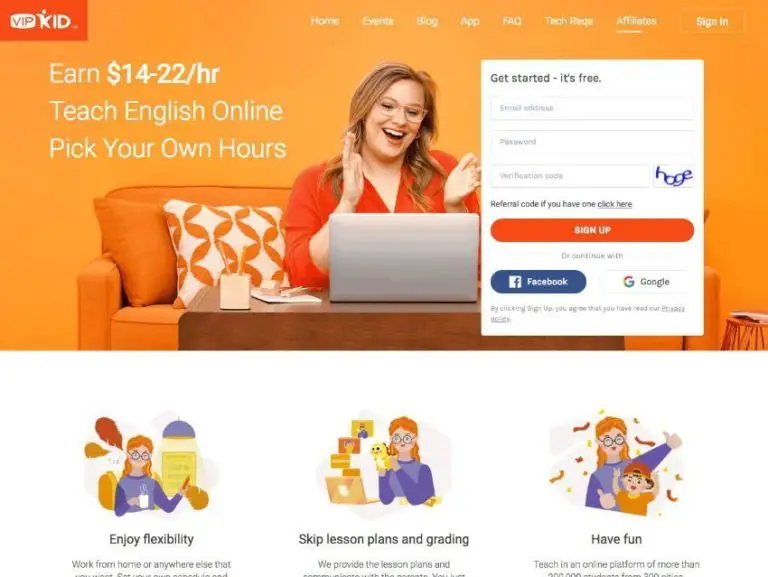
- Applicant Requirements: Have a bachelor’s degree, the eligibility to work in the U.S. or Canada and one school year of teaching, tutoring, mentoring, or other educational experience
- Note: Due to independent contractor laws, potential teachers who have California, New York, or Washington state residence can no longer sign with VIPKID
- Salary: $15.60-$24.40 per hour
- Glassdoor Rating: 4 out of 5 stars
VIPKID caters to Chinese students between the ages of 4 and 12.
Teachers don’t have a minimum teaching requirement, although VIPKID recommends that teachers work at least 7.5 hours a week in order to maximize booking opportunities.
VIPKID provides teachers with lesson plans and a teaching platform complete with a points system, a feedback system, Powerpoints, and a conversation box.
Teachers don’t plan their lessons. Instead, they use VIPKID’s curriculum, which centers on the flipped classroom method of teaching.
For more information about the company, read our step-by-step guide on how to become an English teacher with VIPKID.
VIPKID is a particularly great company to teach for because they have great teacher’s resources, including “firemen” that are always available to help out if you have problems in class.
For example, if you or your student run into technical issues, the fireman can help you. They can also help if either of you have trouble understanding technical things or if you have confusion about scheduling or lesson time.
Additionally, there’s a great teacher community for VIPKID. Teachers on online forums trade information about improving their classes, attracting more students, and creating classroom props. They also sometimes meet up for in-person gatherings of VIPKID teachers!
VIPKID also offers great personal development resources. They recently offered all of their teachers free TESOL certification. This certification can serve you well in getting other ESL jobs – online or in person.
They also offer lots of workshops and courses for improving teaching skills.
Magic Ears
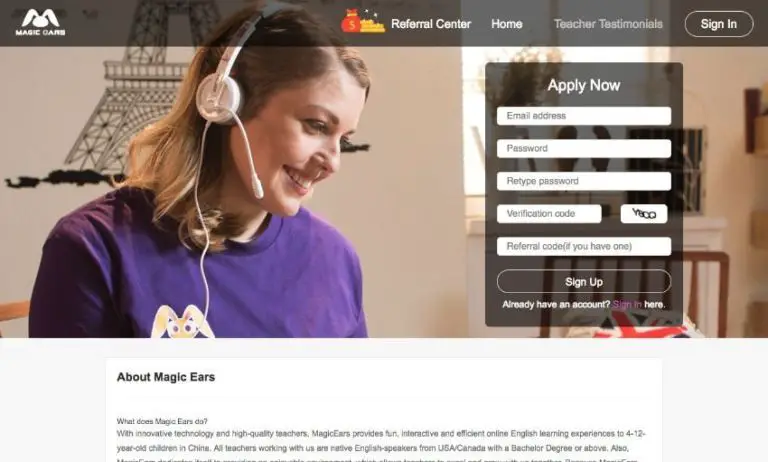
- Teacher requirements: be a native English speaker from the U.S. or Canada, have a bachelor’s degree or be in the process of getting your bachelor’s degree; have a 120-hour ESL certificate
- Salary: $18-$26 per hour
- Glassdoor rating: 3.3 out of 5 stars
As a Magic Ears teacher, you’ll teach 25-minute classes to groups of 1-4 students. Magic Ears caters to Chinese students aged 4-12.
Magic Ears teachers make $18-26 per hour, depending on their base pay and whether they qualify for teaching incentives.
There’s no booking minimum, although Magic Ears highly recommends that teachers open at least 10 teaching slots a week.
Like VIPKID, Magic Ears provides its teachers with curriculum. All you’re responsible for is your classroom and your teaching props!
Magic Ears has great staff support and a good cancellation policy. However, some teachers complain about not getting enough bookings on the platform.
QKids
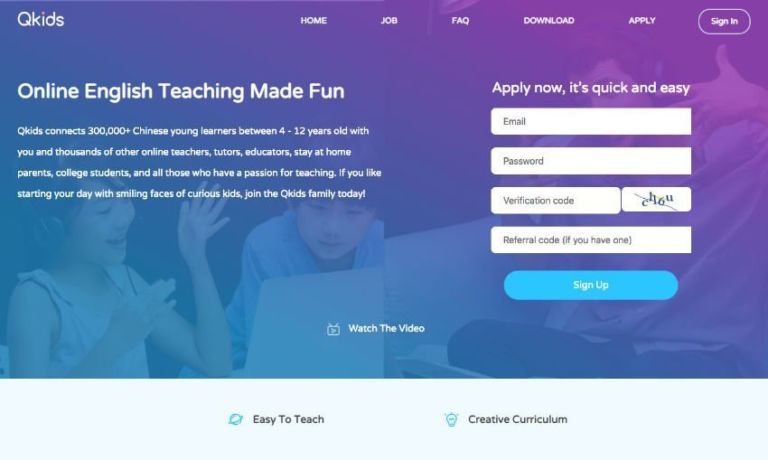
- Teaching requirements: live in the U.S. or Canada, have a bachelor’s degree and a teaching license or English teaching certificate (like TEFL, TESOL, CELTA, ESL)
- Salary: $16-$20 per hour
- Glassdoor rating: 4.2 of 5 stars
QKids has a 6-hour weekly teaching minimum, and requires teachers to have a bachelor’s degree and previous teaching experience.
If you teach for QKids you’ll have to work at least 6 hours a week, and your schedule will be set weekly. You’ll teach 1-4 students in each lesson.
QKids pays teachers $16-$20 an hour, including base pay and bonuses. You’ll receive half pay for lessons where the student doesn’t show up with QKids, and you’ll receive payment for classes you teach during the interview process.
QKids is an attractive company because it offers a competitive salary and, unlike many companies, compensates teachers for their classes during the interview process.
However, their scheduling is less flexible than some other places.
Apply to QKids here and and get support from experienced consultants.
SayABC
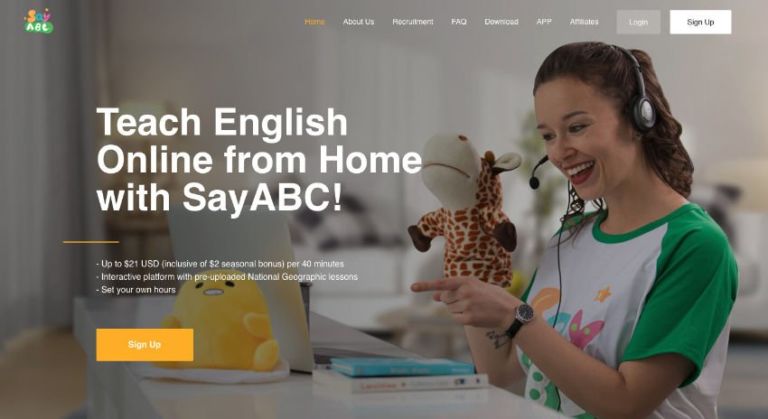
- Teacher requirements: have a native level of English, have a bachelor’s degree or above. No citizenship requirements.
- Salary: $13-$17 per 40-minute class
- Glassdoor rating: 3.3 out of 5 stars
SayABC serves Chinese students aged 5-12. Teachers teach 40-minute classes to 1-6 students at a time.
SayABC has laxer teaching requirements than some other companies. Unlike many companies, they don’t have citizenship requirements for teachers.
However, while teachers used to be able to apply even if they didn’t have a bachelor’s degree, due to changing Chinese government requirements they now require all teachers to have at least a bachelor’s degree.
The biggest complaint SayABC teachers have is of having inconsistent bookings and sometimes not getting as many classes as they’d like.
italki
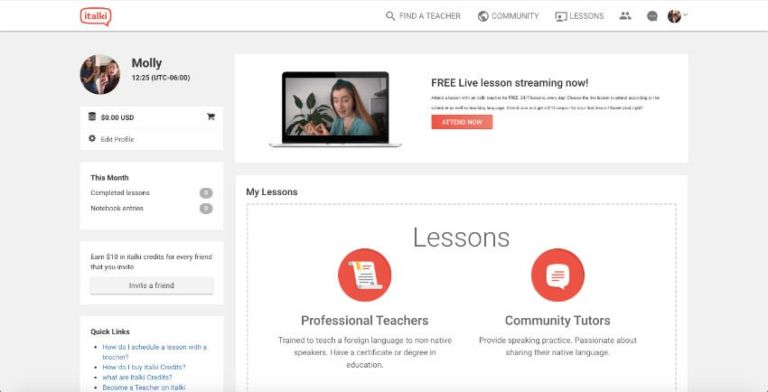
- Teacher requirements: Must be 18 years or older; native or C2 level English speaker (add’l requirements vary by rank)
- Salary: You set your own rates!
- Glassdoor rating: 4.2 out of 5 stars
italki is a great company to work for if you want lots of control over your teaching practice.
Anyone over the age of 18 can work for the platform as a Community Tutor, although Type 1 Teachers need a bachelor’s degree and references and Type 2 Teachers need a teaching license or ESL certificate.
Tutors on the site set their own pay, curriculum, and schedule, and italki collects a commission on your pay.
The site is basically just a platform that connects tutors with students. italki doesn’t have its own teaching platform. Teachers are allowed to use whatever platform they want, although most of the site’s lessons are conducted through Skype.
If you’re self-motivated and want to put the work in to really build a teaching practice, italki may be for you.
However, if you want to jump into a structured program that requires less work, you may want to consider a more traditional teaching platform.
HAWO (formerly 51Talk)
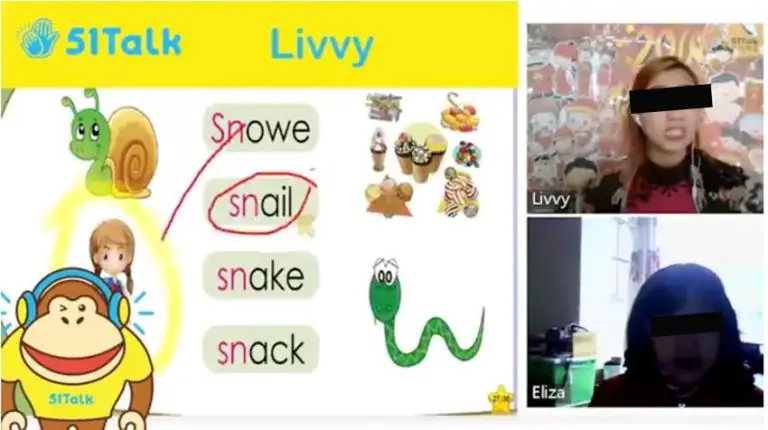
- Teacher requirements: Be a native English speaker with a neutral accent, have a bachelor’s degree, have experience teaching or tutoring and experience in the U.S. or Canadian educational system
- Salary: Up to $22/hr
- Glassdoor rating: 4.0 out of 5 stars
This company has two branches: HAWO, which offers group classes, and 51Talk, which offers their one-to-one product.
The company is sort of opaque about the specifics of teaching for them, but it seems that both branches offer the same teaching requirements.
To teach for HAWO you must be a native English speaker with a “neutral accent”, have a bachelor’s degree, and have experience teaching or tutoring.
The company also specifies that teachers should have experience in the U.S. or Canadian educational system.
HAWO teachers must commit to teaching at least 10 hours a week for at least 10 weeks, weekends included.
51Talk
- Teacher requirements: Have a bachelor’s degree and teaching or tutoring experience
- Salary: Up to 80,000 PHP/month
51Talk is the branch of HAWO based in the Philippines.
51Talk teachers must be able to teach 33.5 hours weekly during the company’s peak times.
BOXFiSH
- Teaching requirements: be a native English speaker from the USA, Canada, or UK; have a bachelor’s degree; have a TEFL/TESOL certificate; have one or more years of prior online teacher experience
- Salary: $22-$24 per hour
- Glassdoor rating: 3.8 out of 5 stars
Consider a job with BOXFiSH if you’re a native English speaker with a bachelor’s degree!
The company pays $22-$24 an hour. If a student doesn’t show up for class, you’ll make 60% of your normal salary, which is higher than what most companies offer.
BOXFiSH teachers work with Chinese students from kindergarten to grade 12. The company offers 25-minute one-on-one classes and group classes with up to four students.
They also offer 5-minute review classes, during which teachers assist students in reviewing lessons that the students have learned independently.
BOXFiSH gives teachers lots of flexibility in creating their teaching schedule, like VIPKID does.
BOXFiSH also lets teachers conduct class via app, unlike many companies. This offers teachers more flexibility in when and where they can give lessons.
Many teachers like the company because it offers a good salary, a flexible teaching schedule, and a generous cancellation policy.
Cambly
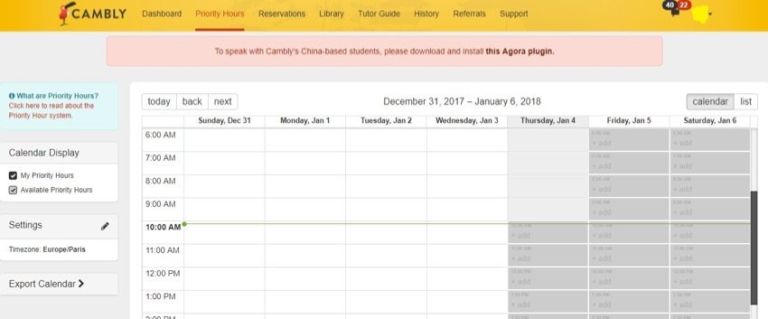
- Teaching requirements: No requirements apparently (from what it looks like on their website); it seems like you do need to be a native English speaker, according to OET
- Salary: $0.17 per minute or $10.20per hour; $0.20 per minute or $12.00 per hour on Cambly Kids
- Glassdoor rating: 3.7 out of 5 stars
Cambly tutors make $0.17 a minute, which works out to around $10.20 an hour. If you opt for the Cambly Kids option, you can make 3 cents more a minute, which works out to $12.00 an hour.
The company seems to require its employees to be native English speakers, but doesn’t require tutors to have prior experience or even a bachelor’s degree.
As a Cambly tutor, you’ll chat with students rather than teaching formal lessons. You can choose to teach either children or adults.
Cambly gives you lots of flexibility and has a low barrier to entry, but it also pays less than many other companies.
UUabc
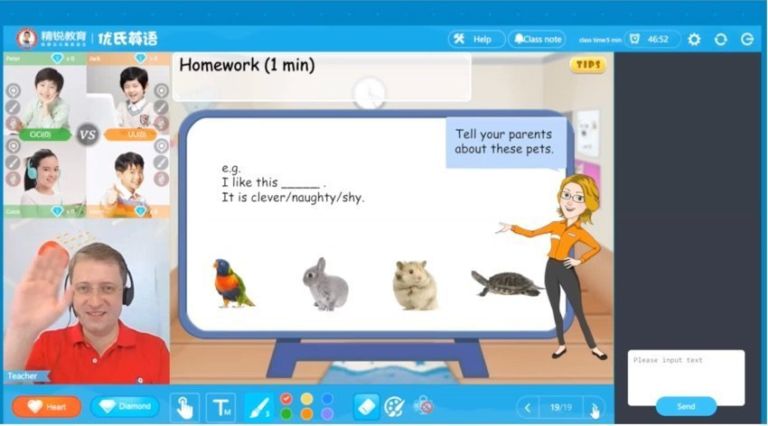
- Teacher requirements: Have a bachelor’s degree and prior teaching experience, speak clear and fluent English
- Salary: Not listed on the company website (Jianshu reported a salary range of $18-$30 per hour; as of June 2018)
- Glassdoor rating: 3.4 out of 5
UUabc has a four-hour minimum weekly teaching requirement.
The company doesn’t require applicants to be native speakers, so long as their English is clear and fluent.
If you work for UUabc you’ll use their provided materials to teach Chinese kids individually or in groups of four.
The company seems to offer pretty competitive pay, but it’s less established than other companies, which means you may not have great teacher support or steady working hours if you decide to teach for them.
gogokid
- Teaching requirements: Teaching requirements: Bachelor’s degree; some sort of teaching experience; must be eligible to work in the U.S. or Canada
- Salary: $14-$25/hr
- Glassdoor rating: 3.3 out of 5 stars
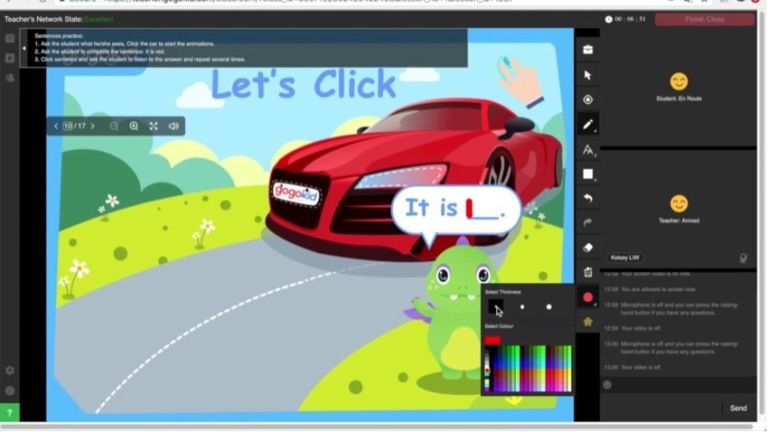
You can earn $14-$25 an hour working for gogokid.
The company requires its teachers to have a bachelor’s degree, but has no requirements for where its teachers must live.
If you work for gogokid, you’ll teach Chinese students 25-minute 1-on-1 classes. All the teaching materials will be provided for you.
The company has no minimum or maximum working hours and gives teachers lots of flexibility.
EF (Education First)
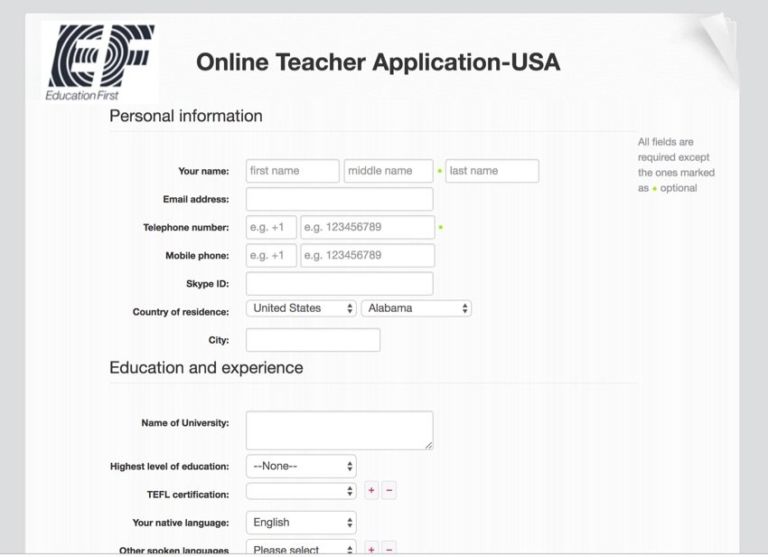
- Teaching requirements: be a native English speaker, have a bachelor’s degree, be authorized to work in the U.S., have a 40-hour TEFL certificate
- Salary: Not listed on the company website (OET estimates $13.20-$20 per hour for new teachers)
- Glassdoor rating: 3.2 out of 5 stars
As a teacher with EF, you’ll get to work with either children or adults, although most of the company’s students are adults. You may teach students 1 on 1 or in groups of 6-8.
EF teachers are given all the teaching material they need for class.
iTutorGroup

- Teaching requirements: English speaker at an idiomatic level; teaching license, TEFOL/TESL certificate, or equivalent, bachelor’s degree, teaching experience
- Salary: Not listed on the company website (Glassdoor reports pay ranging from $8-$17 per hour)
- Glassdoor rating: 2.6 out of 5 stars
As a teacher with iTutorGroup, you’ll need to commit to teaching during 6 peak hours per week. Other than that, though, you’re free to set your own schedule.
So, while you’ll have less flexibility than you would with some other companies, you can still make your schedule work for you.
As an iTutorGroup teacher, you’ll be able to work with children aged 5-18 or adults aged 18_. The company provides all the materials you’ll need to teach!
iTutorGroup, doesn’t offer information about teacher salaries on its website.
DaDa
- Teaching requirements: Bachelor’s degree
- Salary: Not listed on the company website (Glassdoor reports $11-$21 per hour)
- Glassdoor rating: 2.4 out of 5 stars
DaDa (formerly DadaABC) is a platform for teaching children aged 4-16 English one-on-one.
Classes are 30 minutes long and teachers must teach for at least 10 hours a month.
Some teachers really love working for DaDa. However, others complain about not getting paid on time, and its lack of flexibility and transparency makes it less attractive than other companies.
LIKESHUO (out of business)
- Teacher requirements:
- Native English speaker
- Bachelor’s degree
- Salary: Not listed on the company website (OET Jobs reports $16-$25 per hour for teaching children and $10-$18 per hour for teaching adults)
- Glassdoor rating: 1.0 out of 5 stars
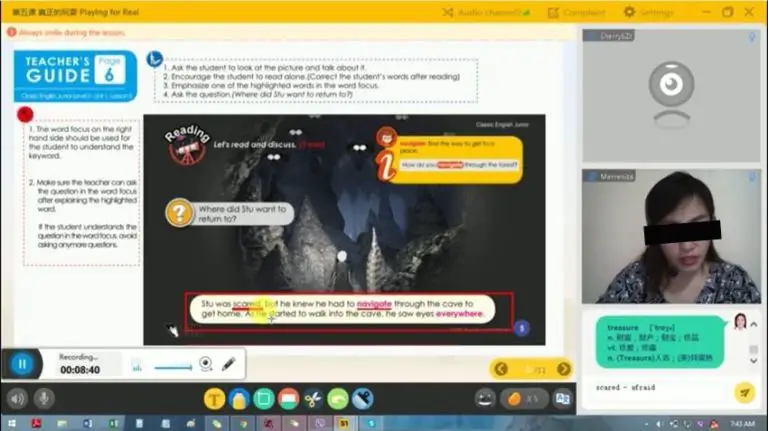
LIKESHUO splits their online English teachers into three levels based on experience and credentials. Requirements vary based on level.
The company requires most of its teachers to work at least 30 hours per month.
This company has scant information available and online and has a poor rating on Glassdoor. Some have reported having a good experience working with them, but overall, it seems that this might not be your best bet.
What Are the General Requirements to Teach English Online?
Being an online English teacher is easier than you think! All you need are native-level English, a bachelor’s degree, and a friendly attitude!
What English Abilities Do You Need?
Most online English teaching companies require their teachers to be native speakers. Some also require teachers to be from specific countries. For example, VIPKID requires its teachers to be from the U.S. or Canada.
Keep in mind that there are companies that only require that their teachers have a native level of English.
Does “Teaching Experience” Mean You Have to Be a Classroom Teacher?
Many companies don’t require their teachers to have prior teaching experience. However, if you have teaching experience or a TEFL certificate, you’ll be a more attractive candidate and may even be offered a higher starting salary.
Some companies do require teaching experience, but don’t worry. Often you can count tutoring, camp counseling, childcare, or leadership roles as prior experience.
Employers just want to know that you’re good with children and are able to be an educator.
What Personality Traits Will Help You Teach English Online to Chinese Students?
Perhaps the most important part of becoming an online ESL teacher is your personality.
To really shine through the screen and teach effectively, you should be a lively, fun person whom students can relate to and feel comfortable around.
In your interview and mock class, your employer will want to see you use TPR (total physical response). That means talking with your body as well as your voice, using gestures and signals to indicate that you’ve heard the student and to illustrate concepts.
Don’t be afraid to be expressive and let your personality shine through. Your employer will love it, and so will your students!
Can You Teach English Online Without a Degree?
Most companies require all of their teachers to have a bachelor’s degree or above. However, some do accept students in their last year of university or applicants who have an associate’s degree.
Additionally, some teaching marketplaces allow anyone to teach on their platform.
Do You Need TEFL Certification?
Most teaching companies don’t require teachers to have a TEFL certificate. However, some teachers do require teachers to have a TEFL/TESOL certificate, and others offer teachers who are certified higher base salaries.
A TEFL online course is a good option even if you don’t work for a company that requires its teachers to be certified, because the course will give you teaching skills and will look good on your resume generally.
Some online teaching companies, like VIPKID, offer free teaching certification to their teachers.
What Equipment Do You Need?
Besides CV requirements, you need a few technical requirements to be an online ESL teacher.
You probably have most of what you need, and everything else is pretty easily attained. Here are the physical requirements for teaching ESL online:
Internet Connection
Since your classes will be delivered online, you’ll obviously need a good internet connection to teach online.
Some companies ask teachers to have a wired internet connection to ensure stability, but overall you should be fine if you can Skype and do similar tasks easily with your internet connection.
You can also check different platforms’ websites to see their specific requirements for internet speed and system requirements.
System Requirements
Many companies require you to have at least 4 GB of RAM, as well as a newer OS.
If you have a reasonably new Mac or PC you should have no issues, but check specific websites tech reqs to make sure your current computer is up to snuff.
Here’s our guide on the best laptops for (online) teaching.
Video-Chat Equipment
You should have a relatively good camera, mic, and earphones to teach online.
The headphones that come with a Mac have a really good built-in microphone, and recent Macs also come with good cameras.
However, you can also easily buy a reasonably priced headset and webcam for your classroom.
Read our guide on essential online teaching equipment.
Environment
Your classroom should have good lighting and be somewhere quiet.
Choose a room where you can close the door, and if there isn’t good overhead lighting make sure you have plenty of lamps. You can even buy studio lamps to better light your classroom.
Make sure you’re lighting yourself from the front and that the whole room is well-lit to avoid weird shadows or too much darkness.
Do You Need to Bring Your Own Lesson Plans and Worksheets?
Most companies provide you with all of your teaching materials, meaning you don’t have to do any curriculum planning or prep!
Some companies, however, do require teachers to create their own lesson plans. EF and italki, for example, give teachers the freedom to create their own lessons.
No matter what, there are a few items that you’ll want to prepare in order to make your classroom livelier and your lessons more engaging:
Teaching Background and Props
One of the most fun parts about teaching online is creating your classroom. You’ll want a fun, educational teaching background to keep your students engaged.
Lots of teachers like to decorate their classrooms with alphabet charts, points boards, and other fun wall hangings that attract students attention and help create an educational setting.
Teaching Props
Props help your students understand what you’re teaching, and they also keep them entertained during lessons.
You can use flashcards, realia, and other objects during class. Funny hats, puppets, pictures, and toys will also help you illustrate your lessons. Your students will also love seeing what wacky props you have in store!
Follow these 7 pro-tips to teach English online to kids.
What Are The Work Hours Like?
Most companies allow you to set your own schedule. Some require you to keep a schedule that you set every week or month, while others let you open and close teaching slots at any time until they get booked.
Some companies having minimum weekly or monthly teaching requirements, while others let you teach as much or as little as you like.
A minimum teaching requirement can help you make sure you’re teaching enough classes to make good money, but it can also make planning trips or taking vacations harder.
Also, even though you can set your own schedule, you’ll still be tied to students’ schedules. As a teacher in China, you’ll have to work when students are around to take classes. Peak class times are in the Chinese afternoons, which means that you’ll be teaching late at night or early in the morning depending on what time zone you’re in.
How Much Is The Pay?
How much you’ll make depends based on what company you work for, but most teaching platforms pay somewhere between $10 and $25 an hour.
Your pay will probably include your base salary as well as incentives for things like starting class on time and hitting a certain number of teaching hours per month.
If you work for a teaching marketplace, you may be able to set your own salary.
Learn more about the VIPKID salary for online teachers.
What’s the Application and Interview Process Like?
The process of applying to teach English online varies based on what company you’re applying to, but most companies have roughly similar application processes.
You’ll most likely start the process by filling out an application form where you give some basic information about yourself, like what country you’re from, what your education level is, and whether you have any teaching experience.
Next, you’ll do a video interview with someone from the company – either an employee or another teacher. You’ll probably just talk a little with them and go over a few of the things from your resume.
After the interview, you’ll have one or two demo classes. The company will give you some materials to review, and then you’ll use them to teach a mock class to a teacher for the company. The teacher will grade your performance and give you feedback for how you can improve.
During the interview and the mock classes, make sure you look your best, speak clear, fluent English, and are enthusiastic, collected, and prepared. This is your chance to show the company how great of a teacher you are!
After the mock classes are over, you’ll most likely receive notice that you’ve been hired! You’ll be offered a starting salary, and if you accept it you’ll sign a contract for somewhere between 3 months and a year.
After that, you’ll create a profile on the website and start teaching!
Can You Teach English Online While You’re Traveling?
YES!
However, make sure that you’ll have a quiet classroom and a stable internet connection before you start adventuring.
You can set up a classroom anywhere that’s bright and quiet: a hallway, a broom closet, a bathroom, whatever. If there’s no strong wifi, though, you’re out of luck.
You also need to be extra disciplined if you’re planning on traveling while teaching. Keep track of time change differences and scheduling to make sure you don’t accidentally miss class and get penalized.
You Don’t Speak Mandarin – Can You Still Teach English Online?
YES!
Most companies center on an immersion-based language curriculum, encouraging students to hear, speak, and think in English during class time. You won’t be required to speak Chinese at all.
Using props and body language will help you convey ideas to young learners without speaking the same language as them. And you’ll be surprised by how well many students speak English!
What’s it Like to Teach Chinese Students Online?
There are some bad misconceptions floating around about what it’s like to teach Chinese students. Don’t listen to stereotypes: your students in China are probably pretty much just like the people you know in your home country.
Teaching will be a little different depending on what age group you teach. Think about what kind of students you want to teach, and then apply to a company that caters to that group.
Children
Teaching kids is super fun, but it can be draining, too. When you teach children you’ll want to speak slowly, use lots of fun props, and make class interesting and exciting. If you’re bubbly and high energy, you’ll love teaching children!
However, if you’re more serious or staid, you may want to consider working with older students.
High School Students
High school in China can be pretty intense, meaning that your students may be totally slammed with work. They’ll probably pay attention well in class and have good English skills, but they may not give your ESL classes as much attention as you’d like because they have so much other work to do.
Pre-College Students
Students who want to go to university in the U.S. need to pass a language test in order to get admitted to school.
You need to be familiar with CELTA, TOEFL, or other tests to teach these students, but if you’re good at teaching to these tests you can make a pretty high salary.
Keep in mind, though, that teaching to a test is more stressful than other types of teaching because your students are relying on you to get into university.
Adults
Adults take English lessons for a number of reasons. Some simply want to practice their English, while others are specifically looking to learn English for business purposes.
If you’re teaching business English you can make a lot of money because it’s a niche field.
Teaching regular adults is also rewarding because you can develop a good relationship with an adult language learner. They’ll probably also be vocal about what they want in their lessons, making for a more collaborative teaching process.
Is Teaching English Online to Chinese Students Right for YOU?
Teaching English online is a lucrative and flexible job, but it’s not for everyone.
Thankfully, applying to teach online is pretty low-stakes, but you might want to consider whether the job is right for you before you apply.
Here are some traits you should have if you want to be an online English teacher:
Be Self-Motivated
There’s high competition in the online teaching market. Therefore, you should be able to market yourself and persevere to ensure that you get a good student base and regular lessons.
You also need to be able to set and stick to your own schedule, and to wake up early or stay up late to teach.
You’ll be on your own when you teach online. Although this gives you a lot of freedom it also means that you need to be your own boss in lots of ways. No one is in charge of you but you.
Have Thick Skin
Teaching online is a lot of fun, but it’s also a wild job. You might get bad reviews from parents, or have to deal with unruly or even mean students.
Being able to roll with the punches and bounce back from criticism will help you keep going even when the job gets tough.
Be Personable
Your personality is your biggest asset when you’re teaching online. Being able to captivate students, even students who are distracted or don’t want to be in class, is what separates great online teachers from poor ones.
If you are happy and have a sparkling personality, your students will love you and their parents will too. And you’ll probably have a great time teaching if you’re smiling, too!
Online Teaching Might Just Be for You!
If you think you meet these requirements and you love teaching, children, or interacting with people from different cultures, then online teaching is perfect for you!
The job is mobile, person-to-person, and flexible. If that sounds like a great setup, then don’t hesitate… apply to teach English online now!